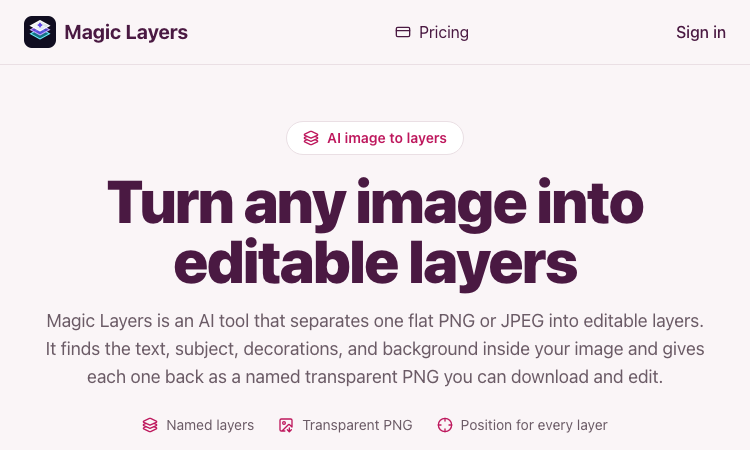
Magic Layers is an AI tool that takes one flat PNG or JPEG image and separates it back into its individual visual elements — background, subject, text, and decorations — as named transparent PNG layers you can download and edit.
Official app: https://magiclayers.net/
Creator: Magic Layers (contact@magiclayers.net)
Price: Paid — monthly plans ($29 / $79 / $149) plus one-time credit packs; you are charged only for the layers you actually get
Login required: Yes (sign in to your account to run jobs, track credits, and access your saved files)
Platform: Web
Main use: Image layer separation — turning a finished flat image back into editable parts
Last checked: 2026-08-27
Visit Magic Layers
We are not the official developer of Magic Layers. This page helps users find, understand, and use the product.
What Is Magic Layers?
Magic Layers does image layer separation. Instead of just removing a background, it analyzes one already-rendered PNG or JPEG and splits it back into the elements it was built from: the background plate, the subject/product, the text (headlines, labels, captions), and decorations like shapes or badges. Each element comes back as its own transparent PNG with a name, a short description, and the position it occupied in the original image.
The separation is inferred from the pixels, so it works even on images where you no longer have the original project file. A background remover gives you one cutout and throws the rest away; Magic Layers gives you every major element independently, so you can move, replace, or restyle any part. This is the core reason someone searches for it: they have a finished visual and need it editable again.
How to Use Magic Layers
Open the official Magic Layers website at https://magiclayers.net/.
Drop a PNG or JPEG onto the upload area (or click to browse). Files must be at most 30 MB and at least 512×512 px.
Use the slider to set how many layers you want — between 2 and 12. The credit cost is shown before the job starts, and that number is also your price ceiling.
Click Separate into layers. The AI returns a base image plus one transparent PNG per detected element.
Review the layers (click one to highlight where it was in the original), then download the ones you need.
Is Magic Layers Safe?
Registration/login: Yes — you need an account to run jobs and access your saved files.
Third-party login: No Google or Discord login is required; sign-in is account-based.
Uploads: You upload images, but the site states files are stored privately and never published or shown to other users. Uploads and generated layers are kept for 7 days.
Payment: Full usage requires credits (subscription or one-time packs). A failing job releases credits back to your balance.
Ads/popups: No obvious advertising or forced redirects on the site.
Domain/hosting: magiclayers.net; contact and legal pages (Terms, Privacy, Contact) are present, with a support email of contact@magiclayers.net.
Why Is Magic Layers Popular?
Magic Layers is a niche but genuinely useful tool for designers, marketers, and content creators who keep hitting the same problem: a finished campaign visual, thumbnail, slide, or mockup that needs to be edited again but has no source file. Rather than masking a subject out by hand, they can recover background, text, and decorations as separate layers and recompose for new sizes or placements. There is no single public source showing the trend's origin; it appears to spread through direct sharing and word-of-mouth among creative professionals.
Magic Layers Not Working?
Refresh the page.
Open it in another browser.
Disable ad blockers temporarily.
Check that you are signed in and have credits in your balance.
Make sure your file meets the limits (PNG or JPEG, ≤30 MB, ≥512×512 px).
Try again later if the developer is updating the app.
The original Magic Layers website was online as of 2026-08-27.
Magic Layers Alternatives
Adobe Photoshop — recover and edit layers directly if you have the source PSD, or use generative tools for complex edits.
remove.bg — the fastest choice when you only need one subject cut out on a transparent background.
Photopea — a free browser-based editor for fine editing and manual layer work after separation.
Frequently Asked Questions
What is the official Magic Layers website?
The official website is https://magiclayers.net/.
Is Magic Layers free?
Not fully. There is a credit-based model where each layer costs 2 credits, and you only pay for the layers you get. Credits come from monthly plans ($29 / $79 / $149 per month) or one-time packs.
Do I need an account to use Magic Layers?
Yes, you need to sign in to run a job, track your credit balance, and access the files kept in your account.
Who created Magic Layers?
Magic Layers is built by the team behind magiclayers.net, reachable at contact@magiclayers.net. No individual developer is named on the site.
Is Magic Layers still available?
Yes — the site was live and functioning as of 2026-08-27.

SEO and GEO AI visibility for Businesses and Agencies. Explore its features, pricing, and fit for practical seo tools workflows.
SEO simplified. Rankora tells you exactly what to do to rank. Explore its features, pricing, and fit for practical seo tools workflows.

Rank #1 on Google & ChatGPT on Autopilot. Explore its features, pricing, and fit for practical seo tools workflows. Compare its capabilities and use cases...

Find missing topics and outrank competitors in Google AI Overviews. Explore its features, pricing, and fit for practical seo tools workflows.

AI Search Optimization & GEO Analytics Platform. Explore its features, pricing, and fit for practical seo tools workflows.

Purpose-built AI for AEO and SEO growth. Explore its features, pricing, and fit for practical seo tools workflows. Compare its capabilities and use cases...